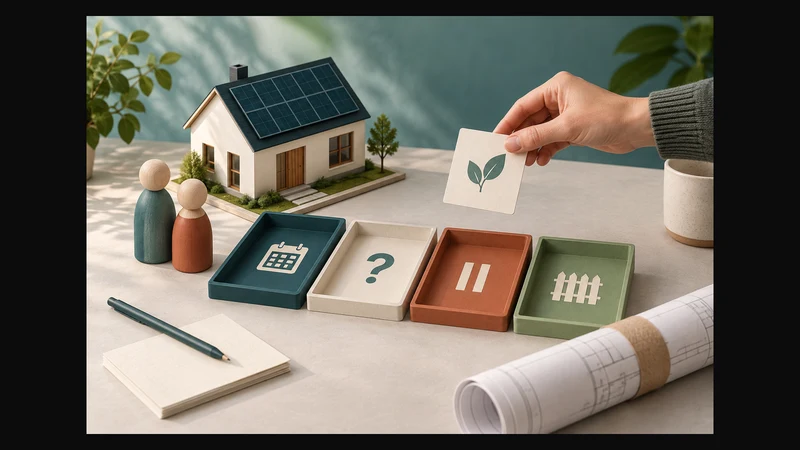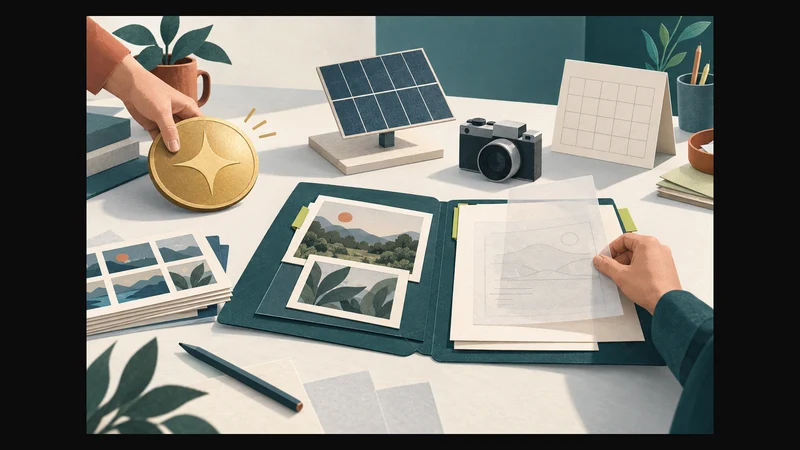
Solar installer website content should replace unsupported savings promises with evidence customers can assess: verified equipment scope, genuine project photographs and clearly dated observations. Label estimates with their assumptions. If you cannot support a financial claim, remove it while you gather the evidence needed to publish it responsibly.
Review the prominent promises first, including headlines, package names and buttons. Then check that the project details and enquiry process support the same message. Another property’s installation is an example of work, not a promise of the reader’s return.
What evidence supports each website claim?
The South African Advertising Regulatory Board’s Code requires advertisers to hold documentary evidence before publication for direct or implied claims capable of objective substantiation.[6] Its headline rule also says that misleading headlines cannot be corrected by the body copy.[6]
That provides a useful starting point for an editorial review. The checks below help organise website content; they are not legal advice, a compliance certification or a method for designing a solar system. Have technical and financial claims reviewed by the appropriate specialists.
Separate the kinds of statement your page makes:
| Statement type | What it describes | What to check before publication |
|---|---|---|
| Service fact | What you offer, where you work or what a project included | Current service information or the relevant project record |
| Estimate | A possible outcome based on inputs and assumptions | The calculation basis, dated inputs, limitations and specialist review |
| Measured result | An observation from a particular project and period | What was measured, how, when and against which comparison |
| Customer objective | What the customer wanted to achieve | The documented brief, labelled as an objective rather than a result |
A location you serve is not automatically an office location. A customer’s wish to reduce grid reliance is not evidence that a particular reduction was achieved. Ask whether a reader could mistake the statement for something guaranteed or included in every installation, then correct the wording where needed.
Put assumptions beside an estimate
A prominent savings figure needs a defensible basis before you decide how to display it. Adding Potential or Up to does not supply missing evidence.
Once the underlying work has been checked, put the estimate label and important limitations beside the result. Supporting detail can follow. A visitor should not need to open general terms to discover that the headline depends on assumptions.
Ask the person responsible for the estimate to supply:
- The question it answers and the equipment scenario it covers.
- Which inputs came from the customer and which were assumed.
- Usage assumptions and the dated tariff information used.
- Costs included and excluded, with financing assumptions where relevant.
- When it was prepared and which conditions still need assessment.
- Who checked the calculation and approved the wording for publication.
This is an evidence request, not a calculation template. Do not publish an unchecked number simply because every box has been filled in. If no defensible estimate exists, explain what must be assessed before expected outcomes can be discussed.
Avoid substituting an unsupported payback claim for an unsupported savings claim. Both need evidence suited to the outcome being advertised.
Describe equipment and warranty scope accurately
Distinguish equipment installed on a completed project from equipment proposed in a current offer. Identify optional items and work still subject to assessment and a written quote.
For a completed project, publish verified models and quantities where appropriate. Explain your business’s actual role, especially if another contractor completed part of the work. Name relevant exclusions so the reader can understand what the project involved.
Check a current offer separately from the project used to illustrate it. Caption project photographs as completed-work examples. Do not suggest that pictured equipment is confirmed for a new customer if substitutions or further assessment remain possible.
For warranty wording, check the applicable documentation and identify who provides the cover. Keep manufacturer warranties, installation workmanship and maintenance arrangements distinct. A general phrase such as Complete cover leaves the reader unable to tell what is included or subject to conditions.
Date project evidence so readers can interpret it
Record the installation’s completion period, the observation period for any performance result and the date the website content was reviewed. These answer different questions.
A page checked this month may describe a project completed years ago. It can still show the work carried out, but its review date should not make older measurements appear recent or imply that the equipment is still offered.
Keep different measurements separate. A generation record reports electricity generated. It does not by itself establish a bill saving. Before publishing a monetary comparison, ask for the documented comparison basis, relevant tariffs, included costs and observation periods. Have the responsible specialist check the interpretation.
If that financial basis is missing, publish only the observation you can support. Do not turn a monitoring screenshot into a saving or return figure through inference.
Use photographs to document work
Use genuine photographs of the relevant project, with appropriate permission to publish them. Captions should explain what is visible and how it relates to your scope. Avoid exposing addresses, identifying documents or unnecessary personal details.
Do not present stock photography, another installer’s work or generated images as your completed installations. Conceptual illustrations can explain a topic when labelled honestly, but they cannot substantiate a claim about a real project.
A photograph can show visible work. Separate evidence is needed for savings, technical suitability or compliance claims. Ask the person responsible for each claim to identify that evidence before using it in a caption or badge.
Illustrative rewrite when financial evidence is missing
Suppose an installer promises rapid payback and major bill reductions on its homepage. Its records contain genuine project photographs and an equipment schedule, but no verified financial comparison. This is a hypothetical editorial example, not a D4J client result.
Changing the headline to Potentially rapid payback leaves the unsupported outcome in place. Use the records to build a project summary instead:
| Part of the page | Supportable content to prepare |
|---|---|
| Heading | The type of completed installation, without a return promise |
| Customer brief | The documented objective, clearly described as the brief |
| Work completed | Verified equipment scope and the installer’s role |
| Project photographs | Approved images with captions and the genuine completion period |
| Next step | A request to discuss the reader’s property and assessment needs |
For example, the closing copy could say:
This project summary documents the installation scope. We have not published a verified financial return for this project. Tell us about your property and priorities so we can discuss what information an assessment would need.
The statement about an unpublished return must also be true. If you later want to add one, obtain the underlying records, a defined comparison and observation period, and appropriate specialist review before changing the page.
Keep the enquiry step consistent
A careful project page should not finish with a button promising an instant saving or a confirmed assessment when the team still needs to review the request.
Keep the initial form focused on a usable contact method, general location, property type and the customer’s objective. The W3C Forms Tutorial recommends short forms that ask only for information needed for the process.[1] Avoid requesting financial records, identity documents or monitoring-platform access credentials through this first marketing form.
Use the solar enquiry qualification guide for the detailed questions and assessment handover. For broader form-delivery and outcome checks, see how to establish whether submissions become qualified enquiries.
Give clear feedback after submission. W3C guidance recommends success messages that confirm completion and error messages that explain what to correct.[2] Confirm the action that actually succeeded, such as sending an enquiry, without implying that a visit or installation has been accepted.
Decide what to publish, revise or remove
Publish a claim when its supporting evidence, scope and dates have been checked. Revise it when the evidence exists but the words overstate the result or obscure assumptions. Remove it when evidence is missing or the presentation misrepresents the work.
Keep an internal evidence register with the page URL, exact claim, supporting record, evidence period, approval owner and review trigger. Useful triggers include changed equipment, a revised estimate basis or withdrawn image permission. Store sensitive project records with appropriate access controls rather than copying them into the public page.
Before sign-off, check the whole journey:
- Estimates and measurements are visibly distinct.
- Equipment scope, exclusions and the installer’s role are accurate.
- Important assumptions sit beside the relevant claim.
- Project dates and review dates cannot be confused.
- Photographs represent the stated work and have publication permission.
- Service areas do not imply invented offices.
- Buttons and confirmations describe the actual next step.
Correct a misleading statement while better evidence is gathered. The electrician website enquiry checklist offers related checks for credentials, photographs and the contact journey, without replacing solar-specific technical review.
D4J’s website design and development service covers service content, responsive layouts and contact journeys.[8] A focused content update may be enough; identify the problem before commissioning a rebuild.
To discuss your solar website, share the site URL, the claims you are unsure about and a brief description of the evidence available. Keep sensitive customer records out of the initial enquiry.